Holidays came about, and you found yourself letting them go to your head? Understandably, with all that beauty and magic of the moment, it is so easy to forget about everything and miss the important updates! But don’t you worry — we’ve summed up all the necessary news in one place.
YouTube Recap: Travel Down The Memory Lane of The ‘You’ Land

Finally, a long-awaited event happened! YouTube has just unleashed its brand new YouTube Recap, a seriously cool, personalized review of your whole year on the site. The Recap takes a look back at your 2025 viewing history and throws up some high points in the form of twelve cards.
They’ll be highlighting all your top channels, the things that really interest you, just how your viewing habits have changed over the year, and even what kind of YouTube person you are (yes, that’s a thing now). You’ll find out who your top artists and songs of the year have been. This beauty of a feature has been years in the making, with loads of user feedback and testing going into it. It’s necessary for creators to see how their audience is interacting with their content, what their habits, interests, and trend reactions are, and how, based on this information, a strategy for the new year can be built.
Engage Your Viewers with Expressive Captions

YouTube has just rolled out Expressive Captions. It is an AI-powered upgrade to the way it does subtitles, now available on all English-language videos uploaded after last October across every device.
So what is the difference with the ‘normal’ ones? Standard subtitles are the usual transcript that we are used to seeing, but Expressive Captions add in the speaker’s tone the loudness and the emotional bits of speakers, and basically any additional immersive sound like the sound of gasps or applause. The goal is to create a more immersive experience, which is especially necessary for people who can’t hear or just don’t want to have the sound on. It boosts accessibility and context without the creator having to lift a finger to add anything in. Of course, YouTube is going to keep adding the feature to more videos and more languages over time.
Welcoming Image Posts in the Shorts Feed

YouTube is giving its Shorts feed a brand new look with image posts, offering creators a fresh way to grab the attention of their fans that goes way beyond the Community tab. As part of this experiment, creators can now share posts featuring a carousel of images telling a story, making an announcement, or just keeping their audience up to speed. Any old image post you create via the “Create” button is now up for grabs to appear in the Shorts feed. Of course, audio is important too, that’s why YouTube will definitely be looking into adding a soundtrack to image posts at some point in the future.
Controlled Channel Guidelines for Communities

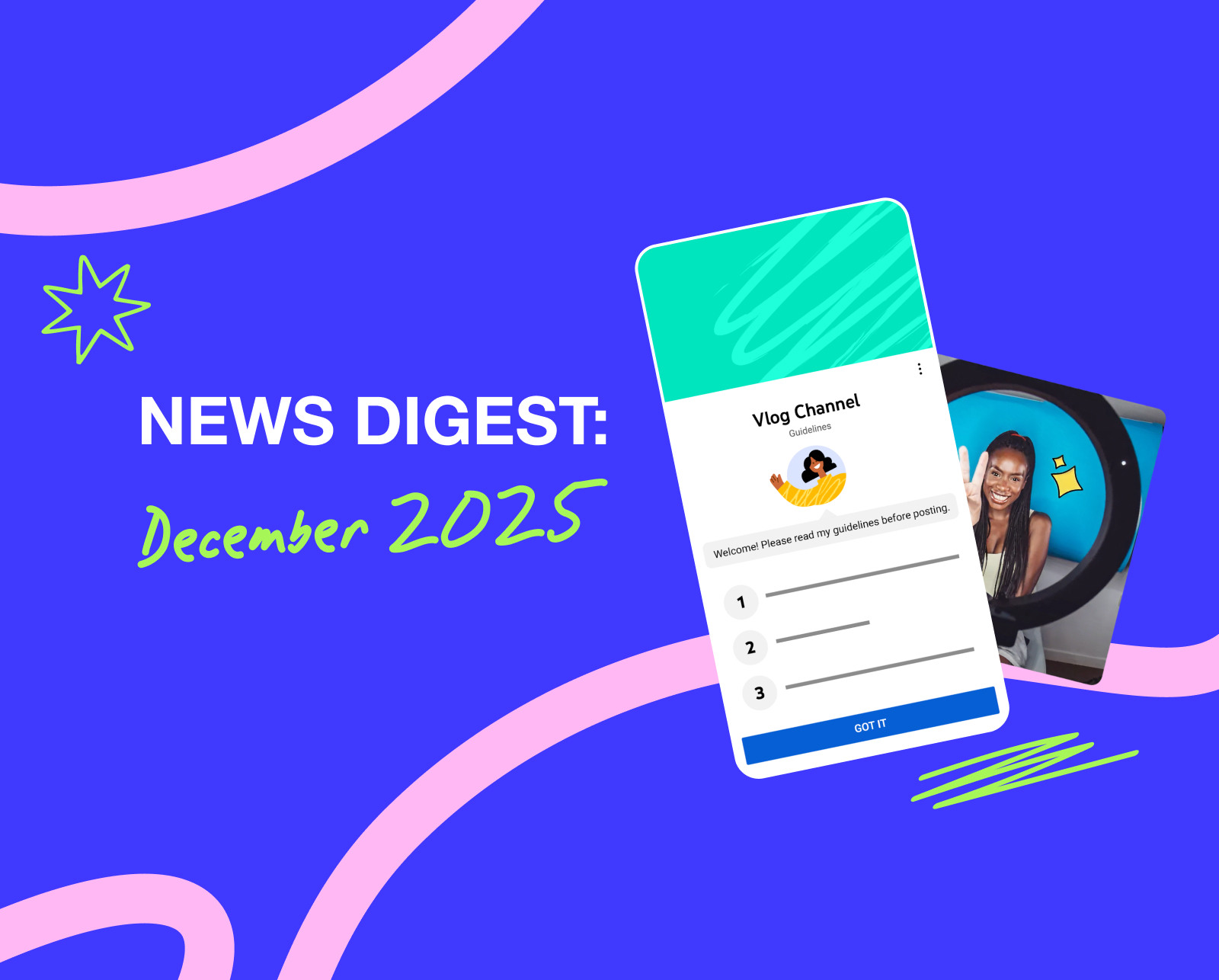
Recently, YouTube introduced channel guidelines to help content creators get their point across on the sort of chats they want to have on their channels. These rules apply to video comments, live chat, and community posts too. You’ll be shown this information as you reach out to interact, plus a reminder at the top of the comments section. The hope is that they can help creators sort out what to expect and set the right tone for the audience.
Nano Banana is Not The Name Game Song: Edit YouTube Posts with Gemini 2.5

Now you can edit images right in the platform thanks to Google’s AI image-editing model. With Nano Banana (Gemini 2.5 Flash Image), you can edit a background, erase unwanted objects, or just give the whole thing a bit of a makeover using just some simple text prompts. You can also use it to breathe new life into old photos. Any image that uses AI is going to have a label slapped on it to let people know what’s going on. You can access Nano Banana from the YouTube app, look at your edits, and change them to your heart’s content before you hit publish. Today, 18+ users in the US, Canada, New Zealand, and India get to use it in English, but soon they plan to add more languages and countries.
Better Engagement with Voice Replies to Comments

YouTube is expanding its voice reply to comments feature on the YouTube Studio mobile app. They’re now letting more creators in, so they can respond to comments with short voice messages no longer than 30 seconds. Creators can record a voice reply directly from the comment area in the app and re-record it if the first take doesn’t cut it. Now, only a select group of creators get to post these voice replies during the experiment, but any viewer can still come and listen to them, and even join in on the conversation. The idea behind this feature is to make it easier for creators and their audience to connect in a more personal way.
Holidays are for Sharing with Your Family and Friends Everything, TikTok included

TikTok adds some pretty cool new features that are all about making connections and finding new stuff together. They’re launching Shared Collections and Shared Feeds to bring people closer together and allow creators to expand their audience by bringing in new people who already have connections or similar interests with the ones who love your content. With Shared Collections, you can team up with friends and make shared folders of all sorts of videos. This feature is available worldwide to anyone over 16 who is already following each other.
Next up, TikTok is also trying out Shared Feeds, which is a daily feed of 15 videos that are all picked out around a couple’s shared interests, and then gets sent straight to your DMs. The feed will feature some extra information, like what videos both of you liked. These new updates show just how much TikTok is experimenting with new ways to make the algorithm work for groups.